


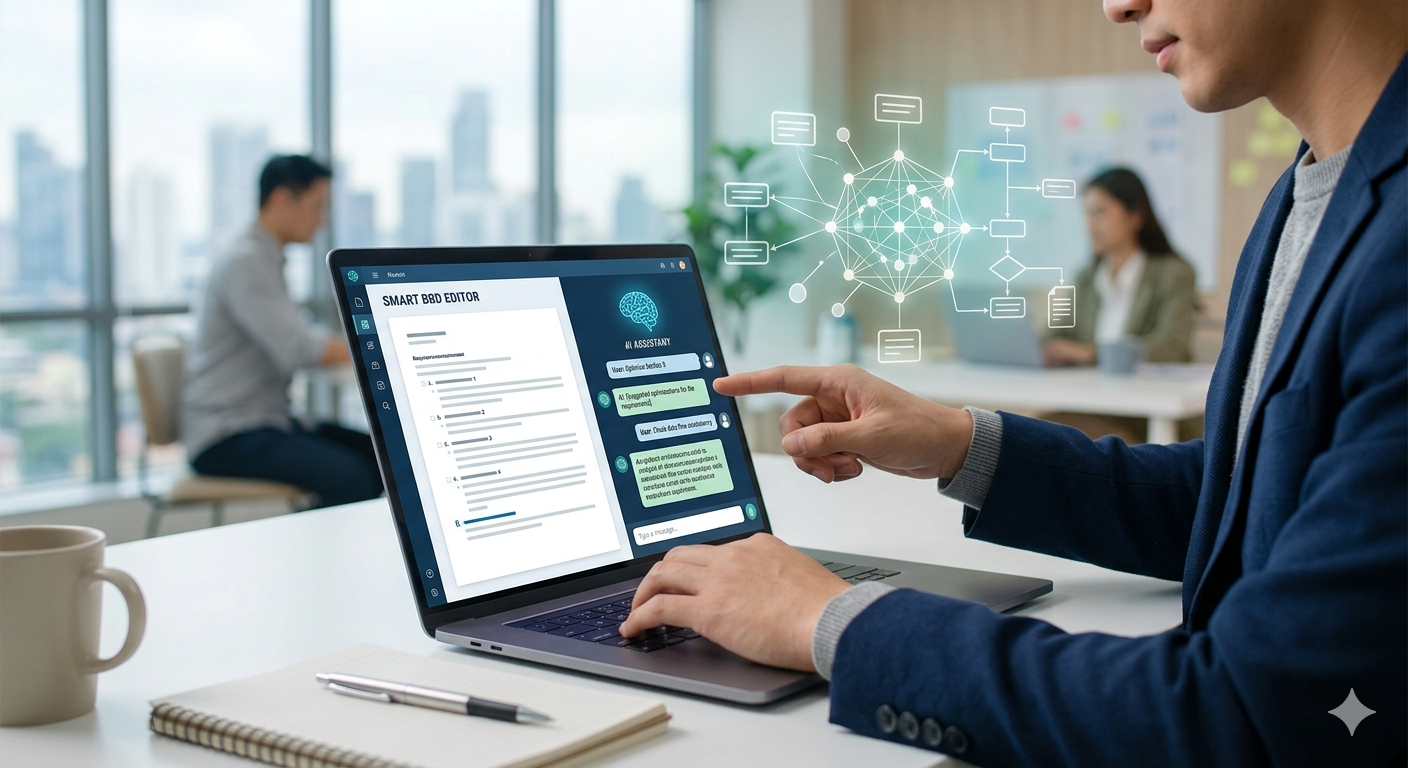
In the fast-paced world of software development, the Business Requirements Document (BRD) has long been the “necessary evil.” Traditionally, writing a BRD involved weeks of stakeholder interviews, endless manual typing, and the inevitable “requirement gap” that only surfaced during the expensive development phase.
But it is 2026, and the landscape has shifted. We are no longer just writing documents; we are engineering requirements. By leveraging AI for writing smart BRDs, product managers (PMs) and business analysts are reducing documentation time by up to 75% while increasing accuracy through automated validations and integrated UI mocks.
In this comprehensive guide, we’ll explore how to transform your documentation workflow into a smart, AI-driven engine.
1. Why Traditional BRDs are Failing (And How AI Fixes It)
Traditional BRDs often suffer from the “45% waste problem”—where nearly half of documented features are never used or are misunderstood by developers.
Common Pain Points:
- Ambiguity: Vague terms like “user-friendly” or “fast” lead to technical debt.
- Manual Validation: Humans are prone to missing edge cases in complex logic.
- Static Mockups: Static images in a PDF often fail to convey the dynamic user journey.
The AI Solution:
AI-native tools like ChatPRD, Claude, and Gemini 3 Flash don’t just generate text; they analyze intent. They can cross-reference business goals with technical constraints, ensuring every requirement is SMART (Specific, Measurable, Achievable, Relevant, and Time-bound).
2. Architecting the “Smart BRD” with AI
A “Smart BRD” is a living document. It uses AI to bridge the gap between business vision and technical execution.
Phase 1: Automated Requirements Gathering
Instead of staring at a blank page, use AI to synthesize meeting transcripts. Tools like Otter.ai or Gong can feed raw stakeholder discussions into a specialized PM model like ChatPRD.
Pro Tip: Prompt your AI to “Identify contradictory requirements between the Marketing and Engineering stakeholders.” This surfaces conflicts before they become blockers.
Phase 2: Writing for Clarity and Validation
When writing the “meat” of the BRD—the functional requirements—AI acts as a real-time validator.
Example AI Prompt for Validation:
“Review the following requirement: ‘The system should allow users to reset passwords quickly.’ Check for ambiguity and suggest 3 technical validation criteria.”
AI Output:
- Issue: “Quickly” is not a measurable metric.
- Validation 1: The reset email must be delivered within 15 seconds of the request.
- Validation 2: The reset link must expire after 20 minutes for security.
- Validation 3: Users must be locked out after 5 failed attempts in 1 hour.
3. Integrating UI Screen Mocks with AI
One of the biggest breakthroughs in 2026 is the ability to generate high-fidelity UI mocks directly from your BRD text.
Top AI Design Tools for BRDs:
- v0 by Vercel: Best for generating React-based UI components from text prompts.
- Uizard: Ideal for non-designers to turn wireframes into polished prototypes.
- UX Pilot: Uses a chat-based workflow to generate full app interfaces that sync with Figma.
How to embed Mocks into your BRD:
Don’t just describe a “Dashboard.” Use a tool like v0 to generate the code and a visual preview.
Caption: A modern AI-generated analytics dashboard created from a 50-word BRD prompt.
4. Setting Up Automated Validation Rules
A smart BRD must be “self-healing.” By using AI-powered validation engines, you can ensure that if Requirement A changes, Requirement B is automatically checked for consistency.
The Validation Checklist for 2026:
| Feature | Manual Process | AI-Smart Process |
| Edge Case Detection | Hours of brainstorming | Instant generation of 10+ scenarios |
| Logic Consistency | Review by Lead Dev | AI identifies logic loops in seconds |
| Compliance Check | Legal team review | AI cross-references GDPR/SOC2 standards |
5. Recommended AI Stack for Product Teams
To build a truly smart BRD environment, we recommend the following ecosystem:
- Documentation: ChatPRD (The gold standard for AI requirements).
- Analysis: Claude 3.5 Sonnet (Unmatched for long-form logical reasoning).
- UI/UX: Figma AI or v0.dev.
- Workflow: Linear (AI-powered issue tracking to sync BRD with dev).
6. Step-by-Step Guide: Writing Your First AI BRD
- Define the Core Prompt: Start with your “Executive Summary.”
- Generate User Stories: Ask the AI to write stories in the format: As a [User], I want [Action], so that [Value].
- Request Edge Cases: Explicitly ask, “What happens if the internet cuts out during payment?”
- Visualize: Prompt Uizard with: “Create a mobile checkout screen for the requirements above, following a minimalist aesthetic.”
- Validate: Run the entire document through a “Gap Analysis” prompt to find missing technical details.
Conclusion: The New Standard
In 2026, the competitive advantage belongs to the teams that move from “writing” to “architecting.” By using AI for writing smart BRDs, you eliminate the friction between business ideas and technical reality. You save time, reduce bugs, and—most importantly—build products that users actually need.
Ready to automate your requirements? Start by integrating one of the AI tools mentioned above into your next project sprint.
FAQs
Q: Will AI replace Business Analysts?
No. AI replaces the drudgery of documentation, allowing BAs to focus on high-level strategy and stakeholder negotiation.
Q: Can AI handle complex industry-specific regulations?
A: Yes, if you use “RAG” (Retrieval-Augmented Generation) to ground the AI in your specific compliance documents.
Q: What is the best tool for UI mocks in a BRD?
v0 is excellent for web apps, while Uizard is the fastest for mobile concepts.
